
Vibe Coding Prompt Generator
Turn your idea into a build-ready AI coding prompt.
What Is a Vibe Coding Prompt Generator?
Do you want to build a website, app, software, or any other digital product for yourself or your client, but feel stuck because you don’t know prompt engineering? Then you are in exactly the right place. Prompt engineering is just a fancy term. You don’t need to learn multiple programming languages or type thousands of lines of code by hand; Vibe Coding Prompt Generator helps you turn your ideas into detailed, structured prompts in seconds. Try Vibe Coding Prompt Generator now and see how easy building with AI can be.
How Does It Work? (Step-by-Step Guide)
Using this tool takes less than 30 seconds. Just follow these 10 simple steps:
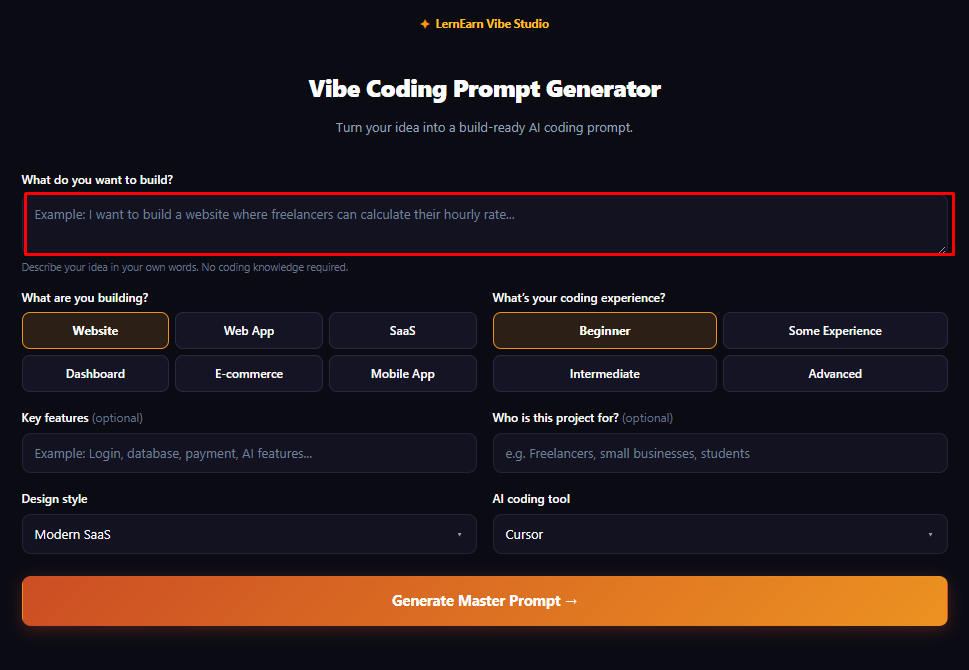
Open the free Vibe coding prompt generator tool. In the main box, write what you want to build using your own natural words. For example: “I want to make a simple website where students can calculate their daily study hours and save notes.” You do not need any technical terms.
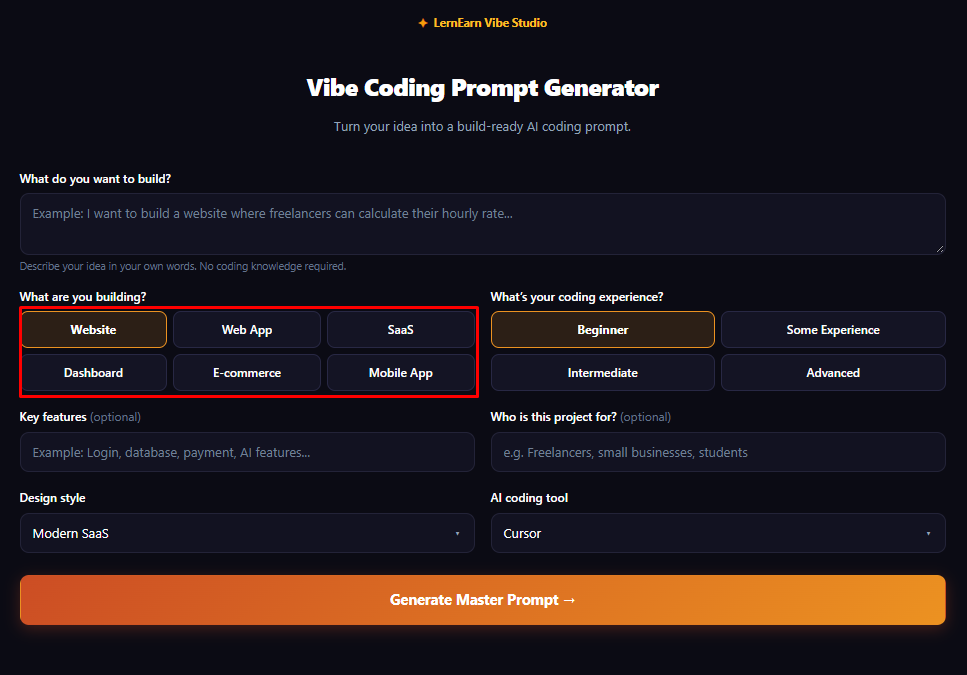
Click whether you are making a Website, Web App, SaaS, Dashboard, E-commerce store, or Mobile App.
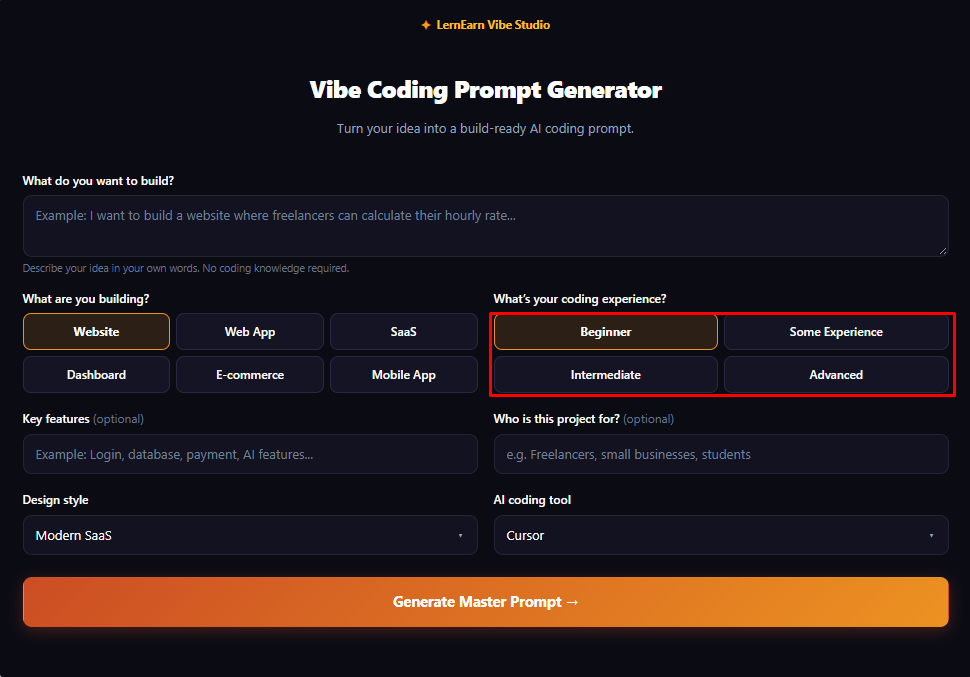
Select your skill level (Beginner, Some Experience, Intermediate, or Advanced). If you are new to programming, choose Beginner so the AI explains everything step by step.
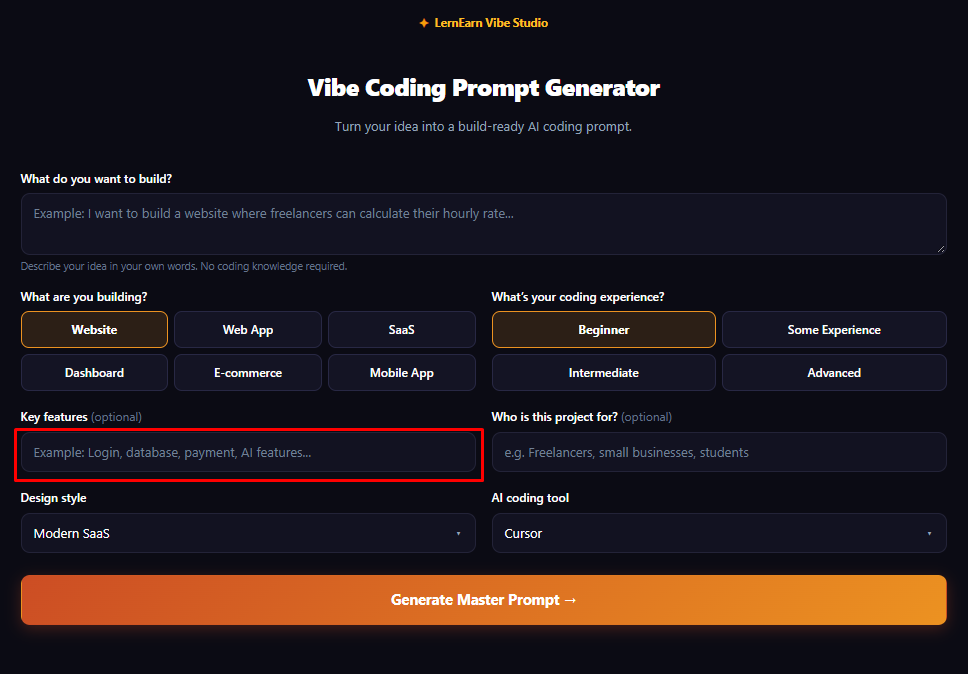
Mention any special features or options you want, like a login system, a database, payment checkout, and many more.
Choose who will use your app (like students, small businesses, or freelancers).
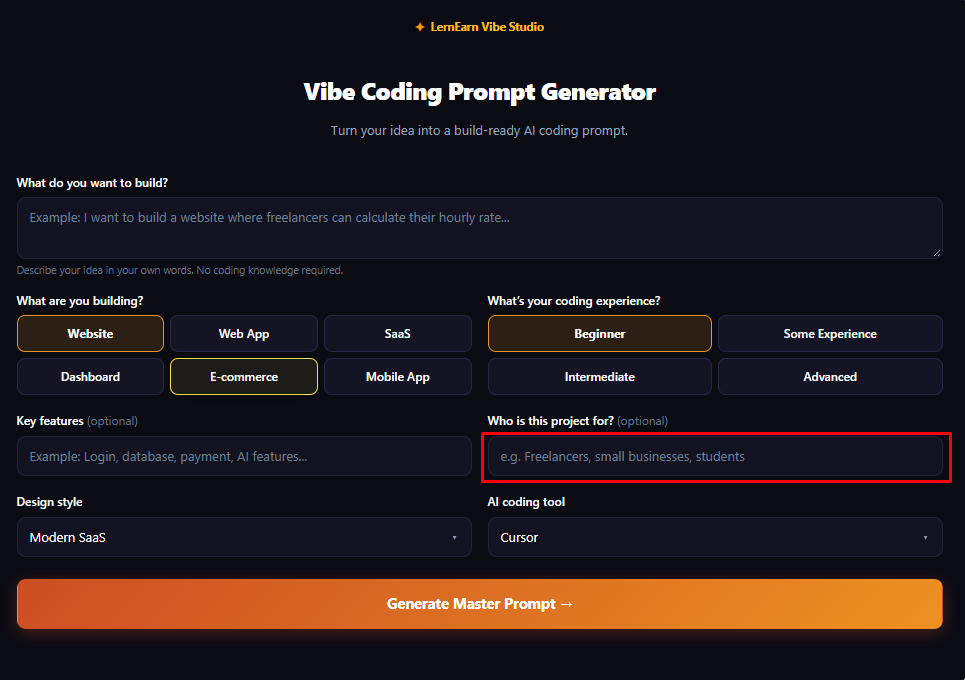
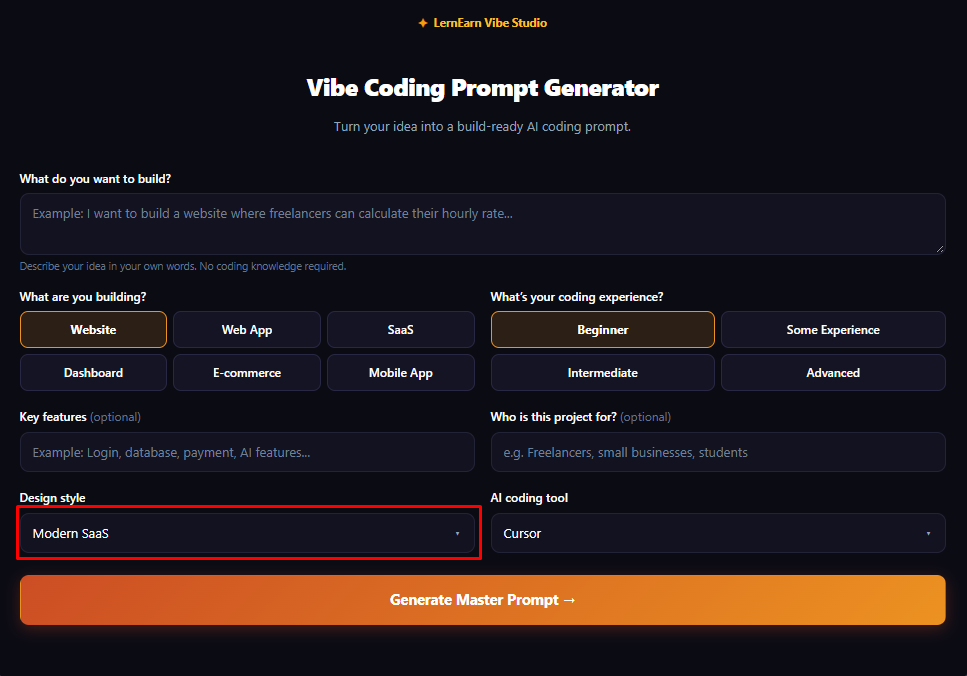
Pick a visual look (like Modern SaaS, Minimal, or Professional).
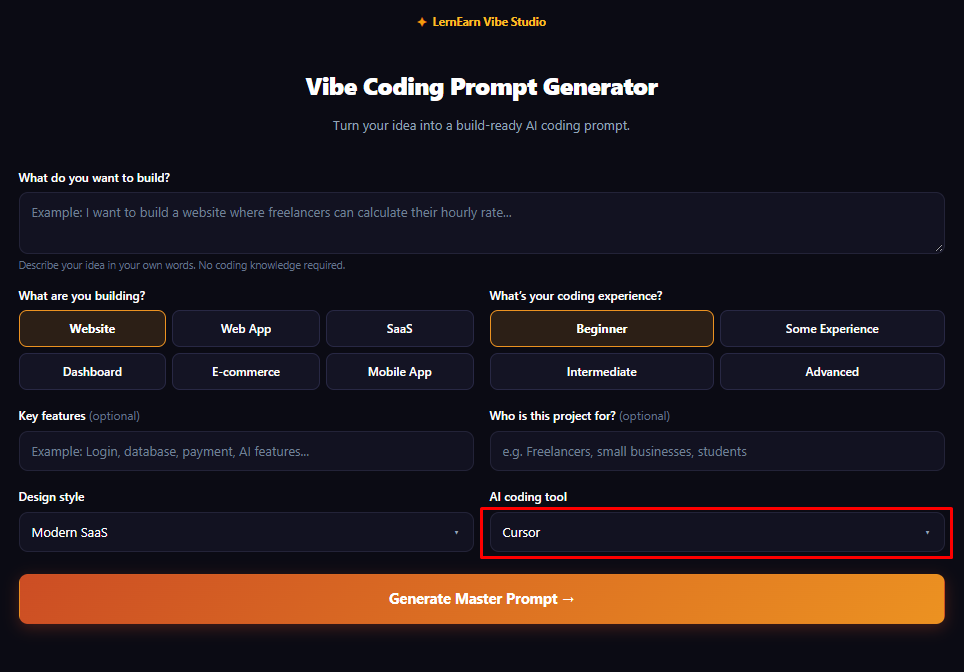
Select where you plan to build the project, such as Cursor, Bolt, Lovable, or Claude Code.
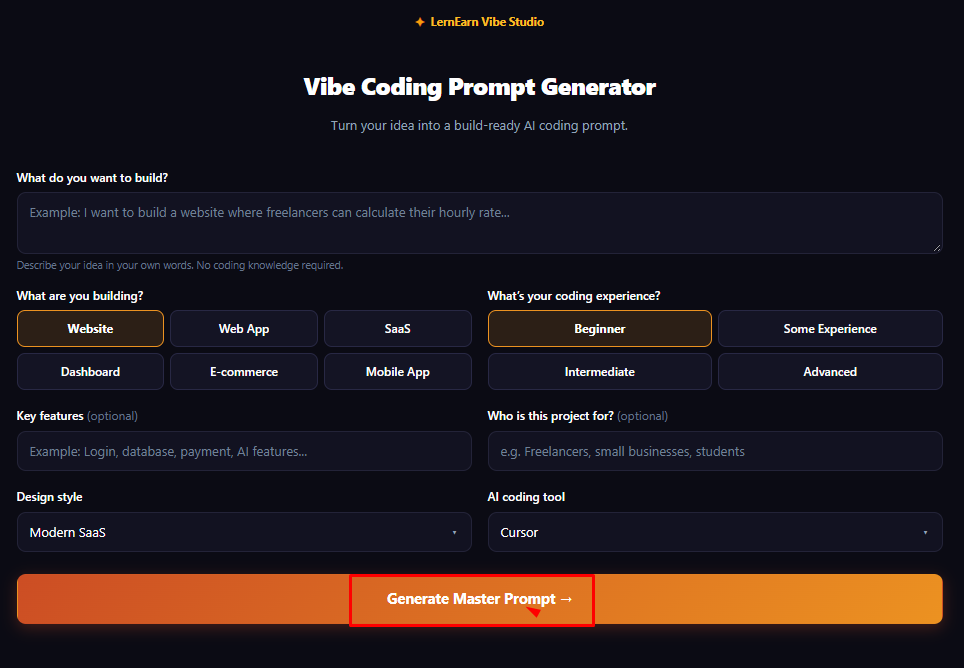
Press the Generate Master Prompt button. Instantly, a structured, build-ready prompt will appear on your screen.
Click the copy button and paste the prompt straight into Cursor, Bolt, or Lovable to start building.
Click this button if you want Claude to open in a new tab with your prompt already typed in, ready to refine it and make it even more detailed and efficient.
The reason for Point 10 is that if you only stop at Point 9, your digital product might miss something important, like a key feature you forgot to include as a beginner. That is why following Point 10 helps make your prompt ultra-detailed. As a result, your final digital product will be far more professional and high quality.
5 Major Benefits of Vibe Coding Prompt Generator
VIBE CODING
Discover the Best AI Coding Tools
You can use the tool you selected in the Vibe Coding Prompt Generator right here.
Cursor
An advanced AI-first code editor built on VS Code. Ideal for local project development with powerful composer and multi-file editing capabilities.
Try Now →Bolt.new
An in-browser AI sandbox that scaffolds, edits, and runs full-stack web applications entirely in your browser without local installation.
Try Now →Lovable
Turn natural language prompts into production-ready web applications with instant Supabase backend connectivity and GitHub sync.
Try Now →v0
Generative UI tool by Vercel designed to create sleek, modern React and Tailwind CSS components rapidly from plain-text descriptions.
Try Now →Replit
An interactive cloud environment featuring an autonomous AI agent that writes code, manages dependencies, and hosts live applications.
Try Now →Claude Code
An agentic terminal assistant by Anthropic capable of executing commands, refactoring complex codebases, and automating workflows.
Try Now →