Online Image Compressor
Choose an image (JPG, PNG, WebP, etc.) and compress it to reduce file sizes without compromising quality, ensuring faster website loading times.
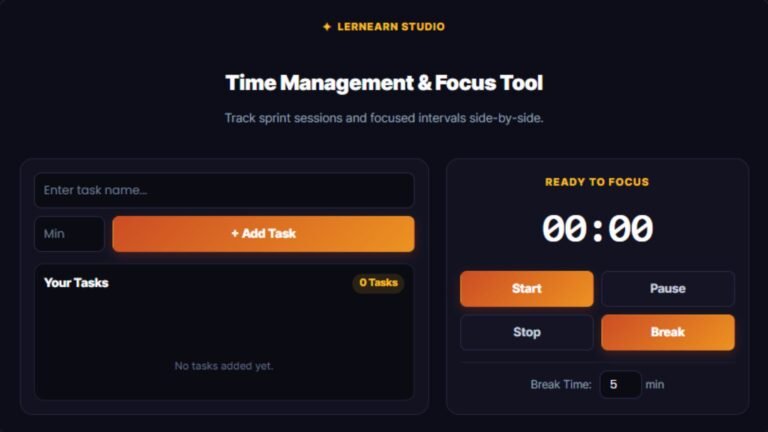
Image Compressor Tool
Compress JPG and PNG images instantly in your browser with zero quality loss.
Image Compression
Image compression is the art of encoding information using fewer parts of the original file. The primary purpose of compression is to reduce image data size while maintaining visual quality. It makes images faster to store, transmit, and load on various devices and platforms.
Different Types of Image Compression
There are two types of image compression.
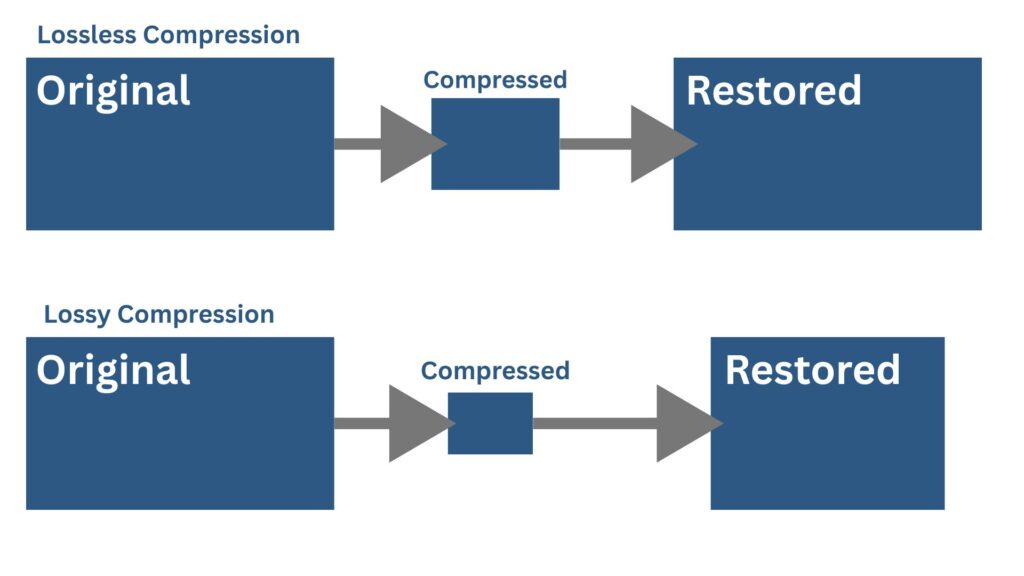
Lossless Compression
In this type of compression, an image compression tool reconstructs the original image from the compressed data without losing the image data or quality. In this type, an image compression tool removes the duplicated or unwanted parts from the original file. It is beneficial for such types of images where quality is critical, like logos, text images, medical imaging, etc.
Lossy Compression
In this type of compression, the image compression tool cannot restore the original image perfectly. It removes some unimportant parts from the original file data. It is suitable for web images and photographs because the slightly lower quality of small-sized images is acceptable for both. With this type, you can get too small image file size, but it depends on how much loss in file quality you can afford.
Common Formats
JPEG and WebP (can be both lossy and lossless and PNG, GIF, and TIFF (with lossless options).
How Does the Image Compressor Work?
Key Features of Our Image Size Compressor/Reducer
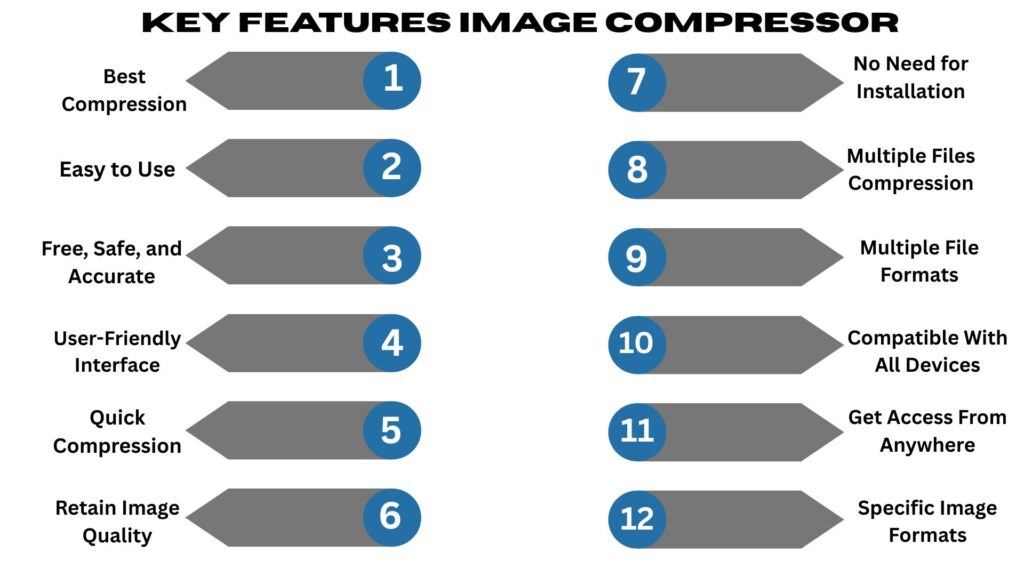
Some of the most significant features of image compressor tools are discussed below:
Best Compression
This tool compresses images up to 85% (use the slider accordingly) by applying optimization features.
Easy to Use
It is fast, reliable, and easy to use online from any operating system. It is designed for all users, whether beginners or power users.
Free, Safe, and Accurate
It is 100% free of cost for all image formats. The magic of this tool is that it can compress large images within seconds.
User-Friendly Interface
Its interface is user-friendly. You don’t need to have advanced knowledge to use this tool. Simply, you can upload an image, compress it, and download it to save.
Quick Compression
The most important thing about this tool is that it can compress all formats, even large or small, quickly. It saves your time.
Retain Image Quality
Use the range slider intelligently or smartly to retain the image value while drastically compressing the image.
Compress Image to 50KB, 100KB, 20KB, and More
KB stands for kilobyte ( unit of digital information storage). An image in KB means how much space the image will take. Image size is a combination of pixels, number of colors, formats, and compression level (if it is compressed). If an image is 50 KB, it means it takes 50,000 storage bytes on your system. You can reduce the image according to your or your clients’ desired KB value.
Some other units include: B (Byte), MB (Megabyte), or GB (Gigabyte).
Why Do You Need an Image Compressor Online?
This tool is useful for you because it can be a meaningful part of your freelance career. The main motive of integrating this tool into our learn and earn system is to boost your online money-making career. Now the question is, why does a freelancer need this tool?
The answer is simple:
You can use this tool for personal projects as a blogger or for client projects as a freelancer.
Frequently Asked Questions
Conclusion
Now you have to realize how impressive and useful this tool is. With the help of this tool, you can speed up your website and apps. You can enhance search rankings on Google or other search engines by optimizing your images quickly. If you still have any confusion or any other issues, feel free to contact us.